HTML – Email Links
In HTML, you can create email links that allow users to send emails to a specific email address when clicked. Email links are useful for providing a direct way for users to contact you or your organization via email. Here’s how you can create email links:
- Basic Email Link:
To create a basic email link, you use the<a>(anchor) element with thehrefattribute set to “mailto:” followed by the email address. Here’s an example:
<!DOCTYPE html>
<html>
<head>
<title>Email Link Example</title>
</head>
<body>
<h1>Contact Us</h1>
<p>If you have any questions or need assistance, please feel free to <a href="mailto:contact@example.com">send us an email</a>.</p>
</body>
</html>
Code language: HTML, XML (xml)Output :
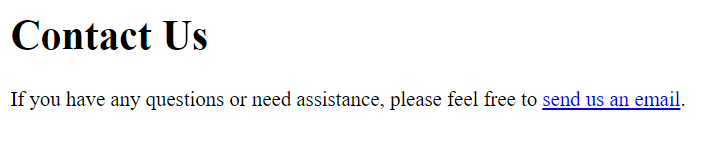
In this example, the text “send us an email” is a clickable email link. When a user clicks it, their default email client will open with the recipient address set to “contact@example.com,” allowing them to send an email to that address.
- Email Link with Subject Line:
You can pre-fill the subject line of the email by adding?subject=followed by the desired subject text to thehrefattribute. For example:
<!DOCTYPE html>
<html>
<head>
    <title>Email Link with Subject Example</title>
</head>
<body>
    <h1>Contact Support</h1>
    <p>If you have any questions, please <a href="mailto:support@example.com?subject=Question%20About%20Product">email our support team</a>.</p>
</body>
</html>Code language: HTML, XML (xml)
Output :
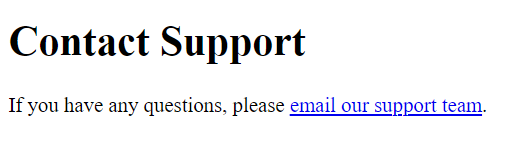
In this example, the text “email our support team” is a clickable email link. When a user clicks it, their default email client will open with the recipient address set to “support@example.com,” and the subject line will be “Question About Product.” Users can then compose their email with the provided subject line.
- Email Link with Multiple Recipients and Subject:
You can include multiple email addresses as recipients and set the subject line, like this:
<!DOCTYPE html>
<html>
<head>
    <title>Email Link with Multiple Recipients Example</title>
</head>
<body>
    <h1>Contact Us</h1>
    <p>If you have any inquiries, please <a href="mailto:support@example.com,info@example.com?subject=General%20Inquiry">email our team</a>.</p>
</body>
</html>
Code language: HTML, XML (xml)
Output :
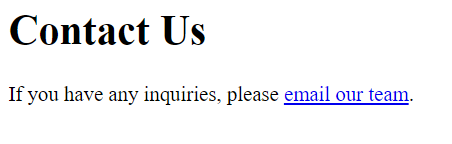
In this example, the text “email our team” is a clickable email link. When a user clicks it, their default email client will open with two recipients, “support@example.com” and “info@example.com,” and the subject line will be “General Inquiry.” Users can then compose their email with the specified recipients and subject.
- Email Link with Body Text:
To pre-fill the email body with text, you can add&body=followed by the desired message to thehrefattribute:
<!DOCTYPE html>
<html>
<head>
    <title>Email Link with Subject and Body Example</title>
</head>
<body>
    <h1>Contact Us</h1>
    <p>If you have any feedback, please <a href="mailto:feedback@example.com?subject=Feedback&body=Hello%20team,">email us your thoughts</a>.</p>
</body>
</html>Code language: HTML, XML (xml)
Output :
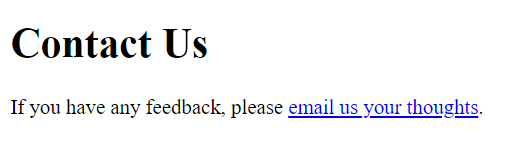
In this example, the text “email us your thoughts” is a clickable email link. When a user clicks it, their default email client will open with the recipient address set to “feedback@example.com,” the subject line will be “Feedback,” and the email body will start with “Hello team,” allowing users to compose their email with the provided subject and initial message.
Email links are a convenient way to encourage users to get in touch via email and can be customized to include specific recipients, subjects, and message content, streamlining communication with your audience.
